

Key Features
Creating Models
 | Easy installation on all universal platforms, e.g. Windows, Linux, Mac |
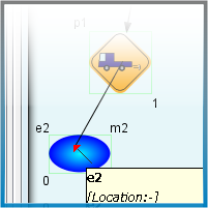 | Intuitive User Interface |
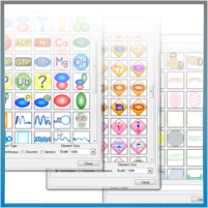 | SVG Library of biological elements |
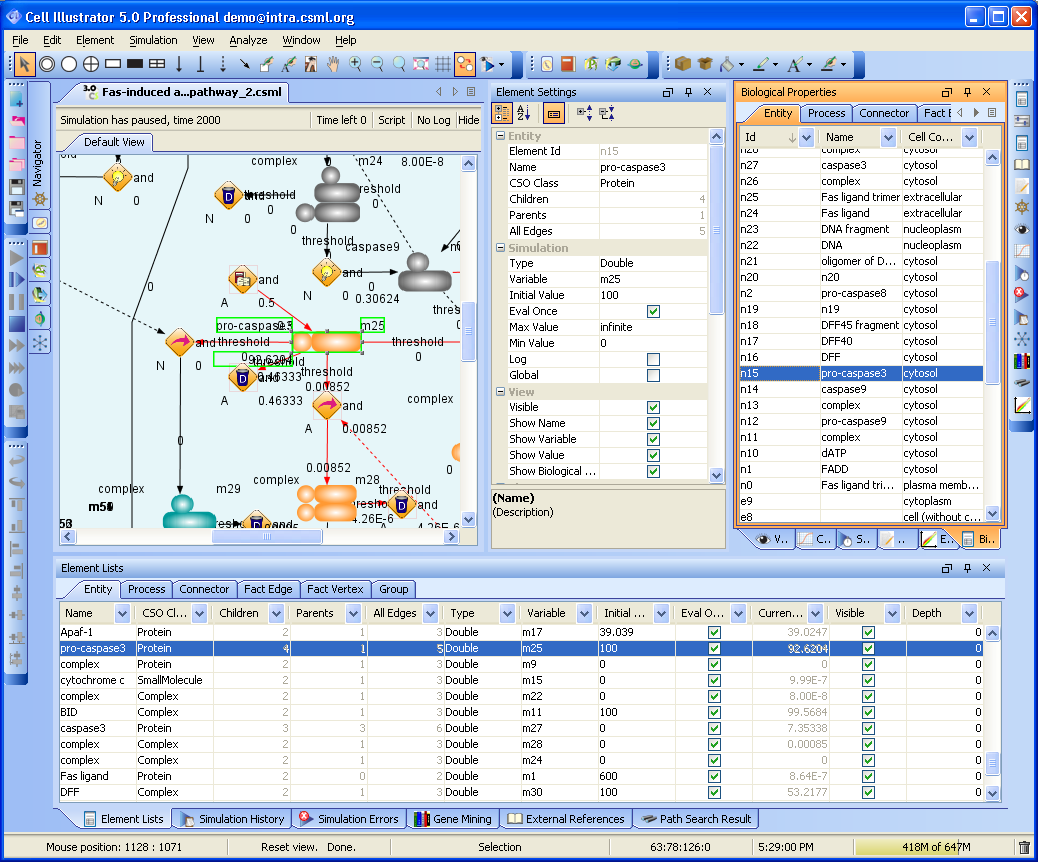 | Properties of all model elements are tabulated and are easy to modify |
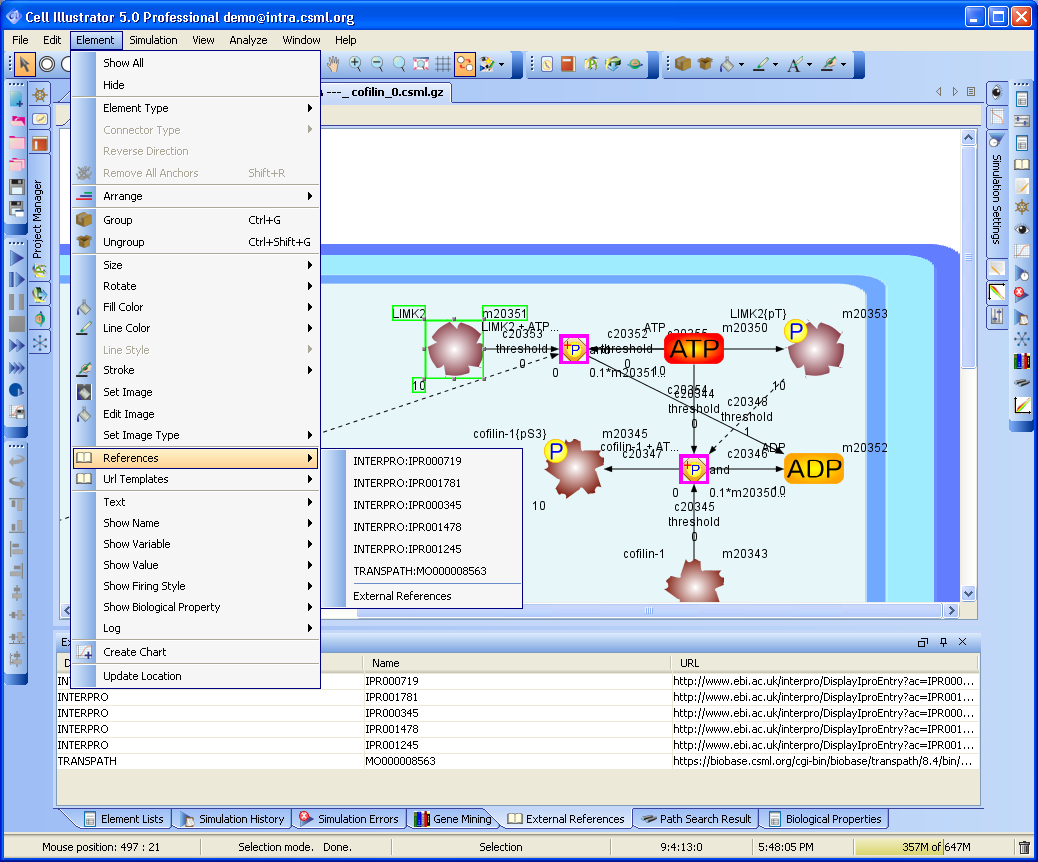 | Asocciate with external Databases |
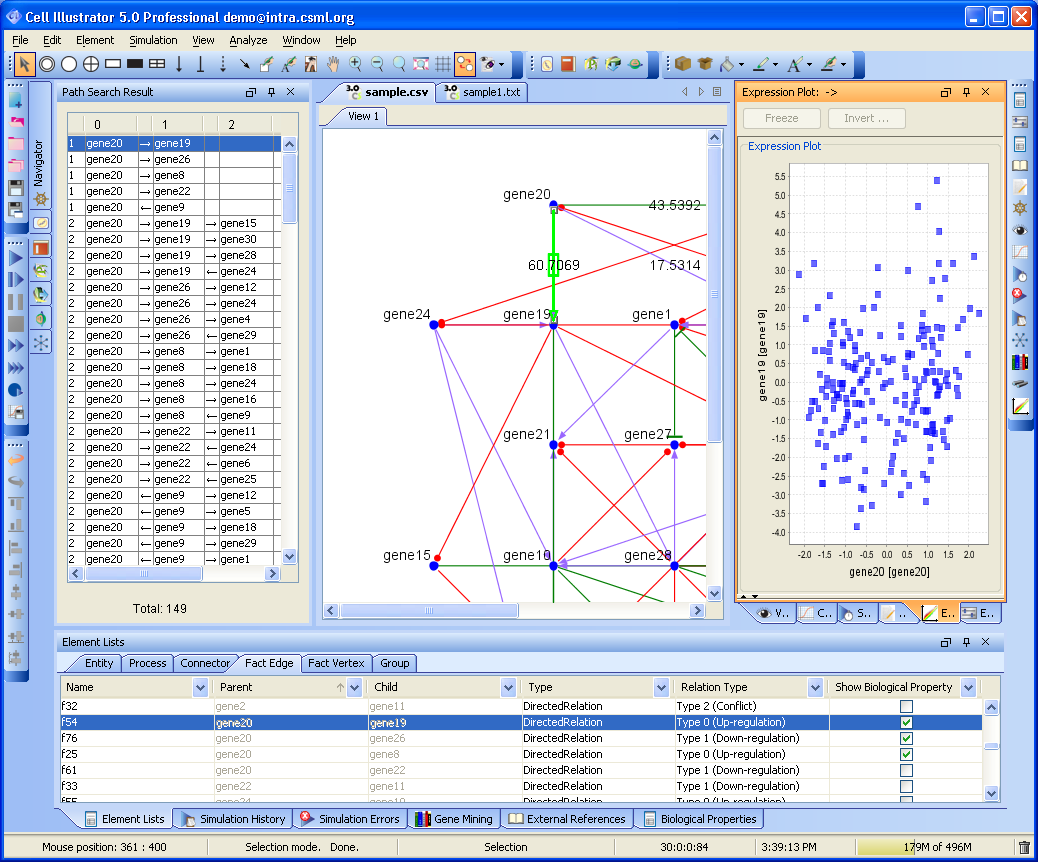 | Integrated visualization mode for the analysis of Gene Relationship Networks |
Simulation
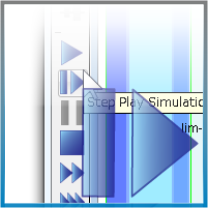 | Five simulation modes: three different continuous simulation modes, step simulation and step simulation with animation |
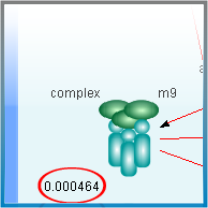 | Variables' actual values can be displayed during simulation |
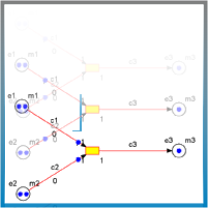 | Discrete processes have unique animated simulation option to observe quantities flow through the system |
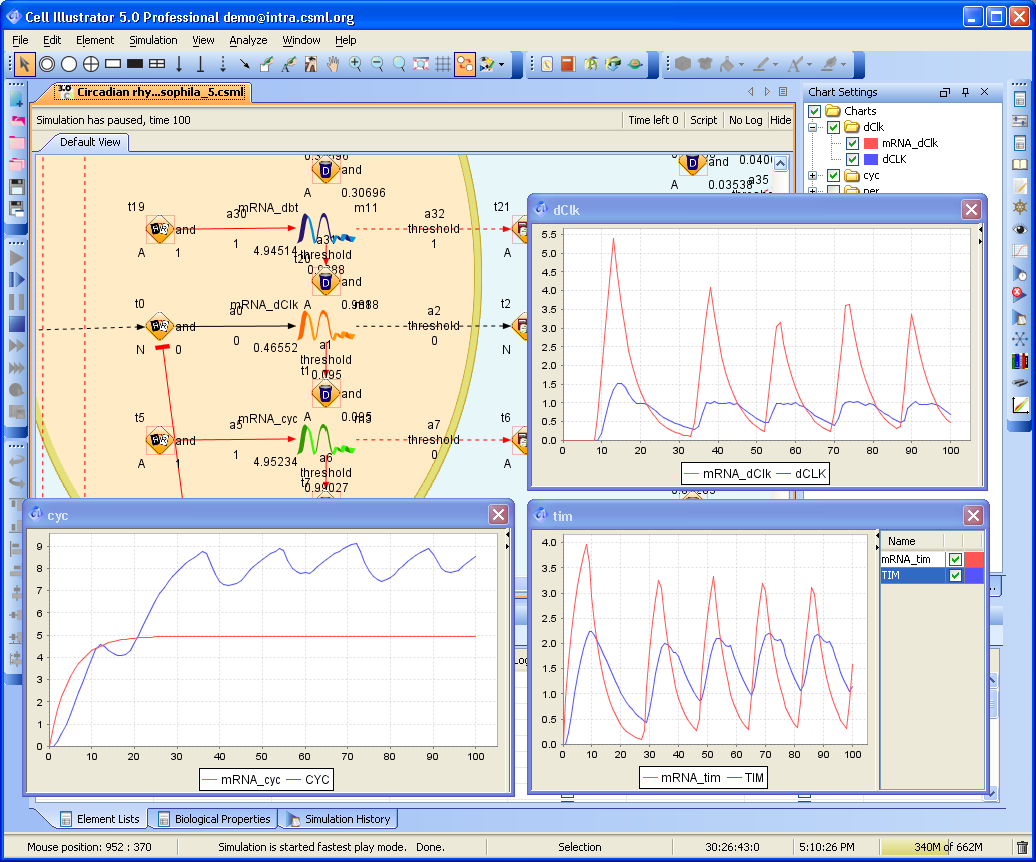 | Simulation results can be presented on real-time graphs or exported to common format files |
 | A simulation run can be saved in a log file and replayed in Cell Illustrator Player |
 | The Simulation History dialog provides access to previous versions of a model and simulation results |
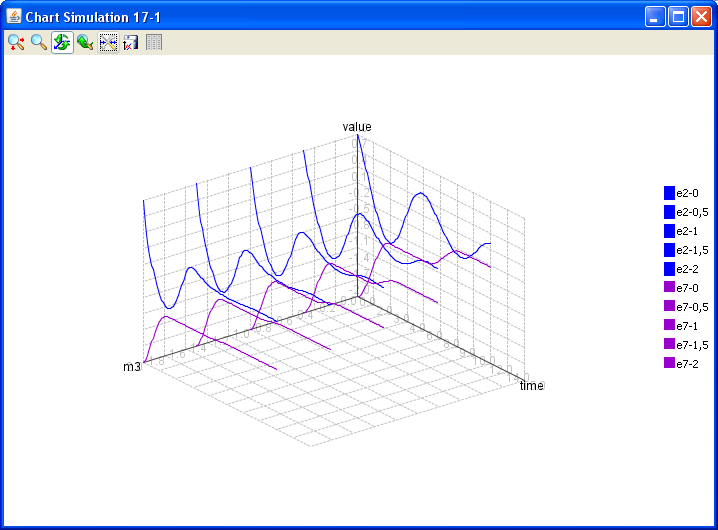 | Parameterized Simulation allows to run a batch of similar simulation by varying one or more parameter. The simulation result can be compared on 3D charts. |
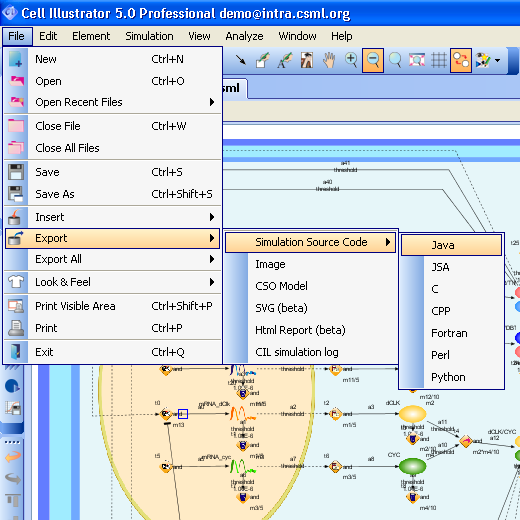 | Export the simulation model to source code. This source code can be customized, compiled and executed in an external application |